📅 Last updated: June 8, 2026 | Originally published: May 12, 2026
📅 Last updated: May 2026 | 🇺🇸 Written for the US market
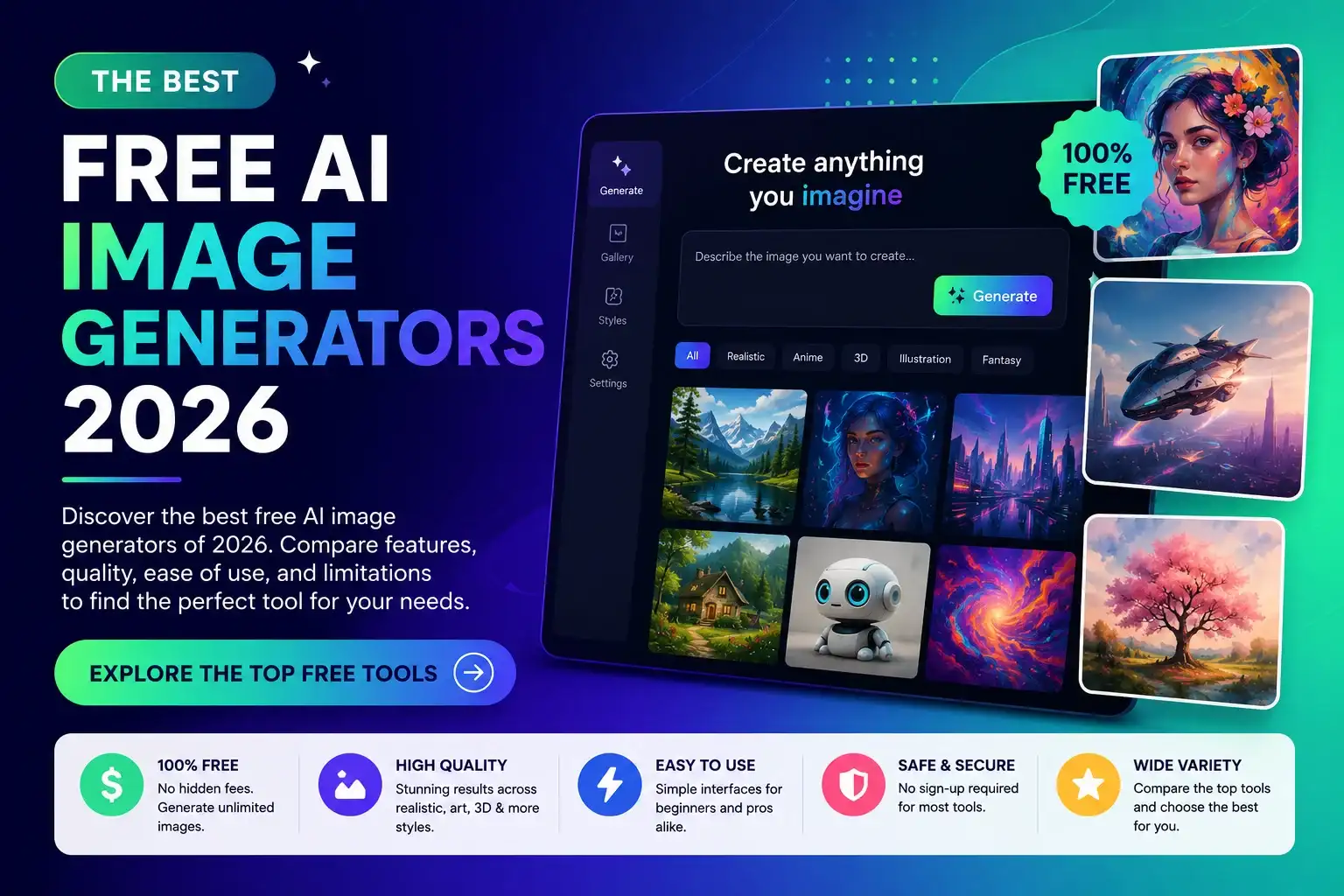
Looking for the best free AI image generators in 2026? The market has completely transformed since 2024. DALL-E 3 was retired in December 2025, Midjourney launched V7 with a dramatically improved free trial, Flux became the new benchmark for photorealism, and a dozen genuinely useful free tools emerged that require no account, no credit card, and no watermark. This guide ranks the 8 best free AI image generators available right now — tested for quality, ease of use, commercial viability, and what you can actually generate without paying. We also cover which tool is best for specific use cases: social media graphics, product photography, UI mockups, and making money online.
FREE DOWNLOAD
The 2026 AI Toolkit: 30 Free Tools to Start Earning Online
Get the exact tools 6-figure AI solopreneurs use - curated, ranked, and free to start.
No spam. Unsubscribe anytime. Sent to 4,200+ US solopreneurs.
What are AI image generators? AI image generators are software tools that convert text descriptions (prompts) into original images using deep learning models trained on billions of image-text pairs. As of 2026, the leading models include Midjourney V7, Flux.1 Pro, Ideogram V3, and GPT Image 1.5 (which replaced DALL-E 3 in May 2026). Most tools offer free tiers with daily or weekly credit limits. The key differentiators between tools are photorealism quality, text rendering accuracy, commercial use rights, and the specificity of control over style, composition, and lighting. Free-tier outputs from top tools like Ideogram and Flux now match what required $50/month subscriptions two years ago.
What to look for in a free AI image generator
Not all “free” tools are equal. Before testing any generator, check five things: how many images you can generate before hitting a paywall (daily or weekly limit), whether the free tier allows commercial use (most do, but confirm in the terms), whether outputs carry a watermark (unusable for professional work if they do), whether the free resolution is usable (1024×1024 minimum), and how long the generation queue is (free users often wait longer).
The 8 best free AI image generators in 2026
1. Ideogram V3 — best free tool for text in images
Free plan: 10 credits/week — no watermark — commercial use allowed Ideogram has solved the problem that plagued every other AI image tool for years: text rendering. While Midjourney achieves roughly 30–40% text accuracy, Ideogram V3 hits 90–95%. If your project involves logos, social media graphics, posters, banners, infographics, or any image with readable text — Ideogram is in a league of its own. The free plan gives you 10 credits per week with a short generation queue (3–5 minutes). Outputs are high resolution, commercially usable, and watermark-free. For social media managers and content creators, those 10 weekly credits go further than you’d expect — especially for polished marketing assets. Best for social media graphics, logos, promotional banners, print-on-demand designs, and thumbnail text overlays. Visit ideogram.ai.
2. Flux.1 via Krea AI — best free photorealism
Free plan: generous daily credits — no watermark — commercial use allowed Flux.1 Pro has emerged as Midjourney’s most serious competitor for photorealistic image generation. Unlike Midjourney, Flux has open-weights variants that run locally, and several platforms offer free access to Flux.1 Dev or Flux.1 Schnell. Krea AI provides that free access with a generous daily credit allowance. The outputs are genuinely impressive: realistic lighting, accurate anatomy, coherent complex scenes, and sharp detail at high resolution. For product photography mockups, portrait generation, and lifestyle imagery, Flux via Krea is the best free option available. Daily credits reset every 24 hours; some advanced features require a paid plan. Visit krea.ai.
3. ChatGPT with GPT Image 1.5 — best for beginners
Free plan: 3–5 images/day — no watermark — commercial use allowed OpenAI retired DALL-E 3 in May 2026 and replaced it with GPT Image 1.5 — a faster, smarter model integrated directly into ChatGPT. The upgrade is meaningful: better text handling, more accurate instruction-following, and native integration with GPT-5’s conversational context. The ChatGPT free tier now includes limited GPT Image 1.5 generations. The workflow is uniquely beginner-friendly: you describe what you want in natural language, ChatGPT asks clarifying questions if needed, and generates the image inline in the chat. No prompt engineering required. Best for absolute beginners, quick visualizations, blog post images, and social media content that doesn’t need perfect aesthetics. Visit chatgpt.com.
4. Adobe Firefly — best for commercial-safe images
Free plan: 25 credits/month — no watermark — safest commercial rights Adobe Firefly’s training data is its differentiator: exclusively trained on Adobe Stock images, licensed content, and public domain works. Every Firefly output is commercially safe without copyright concerns — a real consideration for businesses and professional designers working on client projects. The free plan gives 25 generative credits per month, usable across text-to-image, generative fill, generative recolor, and text effects. For users already in the Adobe ecosystem, Firefly’s Photoshop and Illustrator integration makes it practically useful in ways other tools can’t match. Best for commercial design projects, brands worried about copyright, and Photoshop/Illustrator users. Visit firefly.adobe.com.
5. Stable Diffusion (local) — best free unlimited generation
Free plan: unlimited if self-hosted — no watermark — full commercial use Stable Diffusion is the only major image generation model you can run locally on your own computer — completely free, completely unlimited, no internet required after setup. With a consumer GPU (NVIDIA 8GB VRAM minimum), tools like Automatic1111 or ComfyUI give you total control: custom model fine-tunes, ControlNet for pose and composition, LoRA style adaptors, and inpainting. The trade-off is real: setup requires 30–60 minutes of technical configuration. For users without a capable GPU, Replicate, DreamStudio, and Hugging Face Spaces offer free cloud access to SDXL and SD 3.5 with daily credits. Best for power users, batch generation, privacy-sensitive projects, and custom fine-tuned models. Visit stability.ai or Automatic1111 on GitHub.
6. Leonardo AI — best free tier for volume
Free plan: 150 tokens/day — no watermark — commercial use allowed Leonardo AI offers one of the most generous free tiers in the market: 150 tokens per day, translating to roughly 10–20 images depending on settings. The platform also provides access to multiple fine-tuned models (DreamShaper, Anime Pastel Dream, Leonardo Diffusion XL) and features like AI Canvas editing, image-to-image, and upscaling. For content creators who need consistent daily output — social media managers, bloggers, e-commerce sellers — Leonardo’s daily refresh model makes it the most practically useful free tool for sustained production. Some premium models cost more tokens per generation. Visit leonardo.ai.
7. Microsoft Designer (Bing Image Creator) — best free, no account needed
Free plan: 25 boosted/day (unlimited at slower speed) — no watermark — check commercial terms Microsoft Designer and its Bing Image Creator interface (powered by GPT Image 1.5) are the most accessible free image generation tools — no setup, no signup required for basic use. US users with a Microsoft account get 25 fast generations per day; without an account, you can still generate at slower speeds. Quality has improved significantly with the GPT Image 1.5 upgrade. For quick, casual generation — blog post images, presentation visuals, social media backgrounds — Microsoft Designer is the fastest zero-friction entry point. Review Microsoft’s specific commercial use terms before using outputs in paid projects. Visit designer.microsoft.com or bing.com/images/create.
8. NightCafe — best for model variety
Free plan: 5 credits/day (earnable) — no watermark — commercial use allowed NightCafe’s strength is breadth: access to Stable Diffusion, SDXL, DALL-E, Flux, and proprietary models all within one interface. The free tier gives 5 credits daily, earnable through community participation (liking images, joining challenges). Active community members can generate significantly more than 5 images per day through earned credits. The social and community aspect makes NightCafe unique — part image generator, part art community, part creative challenge platform. For hobbyists who want variety without commitment, it’s the most engaging free option. Visit creator.nightcafe.studio.
Quick comparison: best free AI image generators 2026
| Tool | Free Credits | Best For | Text Accuracy | Commercial Use |
| Ideogram V3 | 10/week | Text in images, logos | ⭐⭐⭐⭐⭐ (90–95%) | ✅ Yes |
| Flux via Krea | Daily refresh | Photorealism, products | ⭐⭐⭐ (65–75%) | ✅ Yes |
| ChatGPT (GPT Image 1.5) | 3–5/day | Beginners, conversational | ⭐⭐⭐⭐ (80–85%) | ✅ Yes |
| Adobe Firefly | 25/month | Copyright-safe commercial | ⭐⭐⭐⭐ (80%) | ✅ Yes (safest) |
| Stable Diffusion | Unlimited (local) | Power users, batch gen | ⭐⭐ (with plugins) | ✅ Yes |
| Leonardo AI | 150 tokens/day | Volume generation | ⭐⭐⭐ (60–70%) | ✅ Yes |
| Microsoft Designer | 25 boosted/day | Zero friction, casual | ⭐⭐⭐⭐ (80%) | Check terms |
| NightCafe | 5+/day earned | Variety, community | ⭐⭐ (varies) | ✅ Yes |
Which free AI image generator is right for you?
- Need readable text in images (logos, banners, posters) → Ideogram V3
- Want the most realistic photos → Flux via Krea
- Complete beginner with no prompt experience → ChatGPT (GPT Image 1.5)
- Designer who needs copyright-safe commercial images → Adobe Firefly
- Need unlimited generations with full control → Stable Diffusion (local)
- Produce content daily and need volume → Leonardo AI
- Want something fast with no sign-up → Microsoft Designer
- Want to experiment with many different art styles → NightCafe
How to make money with free AI image generators
Making money with free AI image generators in 2026: The primary monetization paths are print-on-demand (POD), stock image sales, and digital product creation. For POD, AI-generated designs are uploaded to Printify or Printful and sold via Etsy or Shopify — no upfront inventory cost. US Etsy sellers using niche AI designs in categories like “nurse gifts,” “gym motivation,” and “teacher appreciation” consistently report $500–$2,500/month in passive income. For stock image sales, Adobe Stock, Shutterstock, and Getty Images accept AI-generated images with proper disclosure in 2026. Top AI stock contributors earn $0.25–$4.00 per download. The highest-margin approach is selling AI prompt packs paired with example outputs — effectively teaching buyers to use the free tools themselves, at $17–$47 per bundle on Etsy.
Free AI image generators unlock several income streams that cost nothing to start:
- Print-on-demand (Etsy/Shopify): generate designs with Ideogram or Flux, upload to Printify, sell on Etsy. Zero inventory cost. Niche POD sellers consistently earn $500–$2,500/month
- Digital art packs: sell AI-generated design assets (icon sets, backgrounds, textures) on Creative Market, Gumroad, or Etsy for $7–$47 per pack
- Stock photography: submit AI images to Adobe Stock or Shutterstock with AI-generated disclosure. Earn $0.25–$4 per download
- Content creation services: offer blog post image creation, social media graphics, or presentation visuals as a freelance service at $15–$50/image
- Prompt selling: create high-quality prompts and sell them on PromptBase ($2.99–$9.99 each) — see our complete guide to selling AI prompts
For more income ideas, see: How to Make Money Online with AI — Complete US Guide.
Frequently asked questions
Is DALL-E 3 still free in 2026?
DALL-E 3 was retired by OpenAI in May 2026 and replaced by GPT Image 1.5, now the default image model in ChatGPT. The ChatGPT free tier includes limited access to GPT Image 1.5 — effectively giving free users a better image generator than DALL-E 3 was.
Which free AI image generator has the best quality?
For photorealism, Flux.1 (accessible free via Krea) matches Midjourney V7 in many benchmarks. For text accuracy, Ideogram V3 is unmatched at 90–95%. For overall beginner quality, GPT Image 1.5 via ChatGPT produces the most reliably usable outputs for non-technical users.
Can you use AI-generated images commercially for free?
Most free-tier tools allow commercial use: Ideogram, Flux, Leonardo AI, Adobe Firefly, and NightCafe all permit it. Microsoft Designer’s terms are more restrictive — review their specific commercial use policy. Stable Diffusion self-hosted is completely open for any use. Always check the specific model license for fine-tuned variants.
What is the best free AI image generator with no watermark?
Ideogram V3, Flux via Krea, Leonardo AI, and Adobe Firefly all produce clean outputs without watermarks on their free tiers. Microsoft Designer’s Bing Image Creator does not add watermarks but may include metadata. Stable Diffusion self-hosted has zero watermarks or restrictions.
Is Midjourney free in 2026?
Midjourney reinstated a limited free trial in late 2025 — new users get approximately 25 free image generations before committing to the $10/month Basic plan. After that trial, a paid subscription is required. For ongoing free use, Flux via Krea or Leonardo AI are stronger alternatives.
Key takeaways
- Ideogram V3 is the best free tool for text-in-image use cases — no other tool comes close at 90–95% accuracy
- Flux via Krea delivers the best free photorealistic quality for product and portrait generation
- DALL-E 3 is retired — GPT Image 1.5 is its replacement, now in ChatGPT’s free tier
- Adobe Firefly is the safest choice for commercial projects due to its licensed training data
- Stable Diffusion is the only truly unlimited free option, but requires technical setup
- Free AI image generation is now good enough to build real income — POD, stock photography, digital products, and content services are all viable without a paid subscription
Pick Ideogram for text-heavy designs, Krea for realism, or ChatGPT for the easiest beginner experience — all free, all commercially usable, all available today.
Sources & References
- G2 – AI Image Generator Reviews – user ratings and market data
- Product Hunt – AI Tools – community adoption signals
- Direct testing by Scalopa (fresh accounts, May-June 2026) – see our methodology
Continue Reading
Written by
George - Founder, Scalopa
George has been building AI-powered income systems since 2023. He tests AI tools hands-on and tracks real income data from 100+ US solopreneurs. All guides on Scalopa are based on direct testing or verified community data.