📅 Published: May 31, 2026
By George | June 30, 2026 | Updated: June 30, 2026
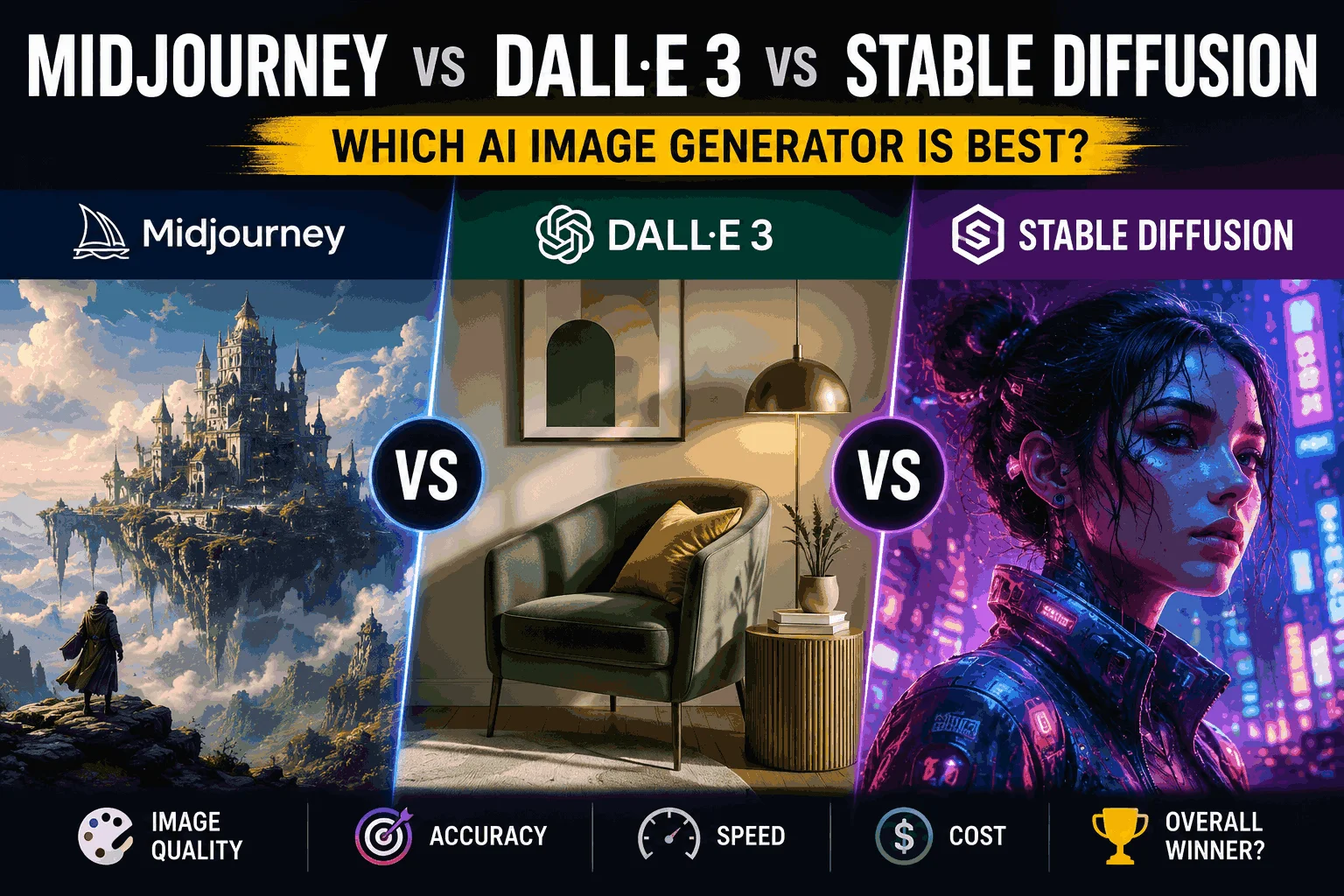
Midjourney, DALL-E 3, and Stable Diffusion are all capable of producing stunning images — but they’re built for different users, different workflows, and different income goals.
FREE DOWNLOAD
The 2026 AI Toolkit: 30 Free Tools to Start Earning Online
Get the exact tools 6-figure AI solopreneurs use - curated, ranked, and free to start.
No spam. Unsubscribe anytime. Sent to 4,200+ US solopreneurs.
If you want to sell AI-generated art on Etsy, Redbubble, Adobe Stock, or as client work, picking the wrong tool costs you time, money, and output quality. This comparison cuts through the hype and tells you exactly which generator fits your situation.
We’ll cover image quality, pricing, commercial licensing, ease of use, and which platform performs best for each selling model. By the end, you’ll know which tool to start with and which to add as you scale.
If you’re building a broader AI income strategy around image creation, our guide on the best AI tools for freelancers in 2026 covers how image tools fit into a full service stack.
Quick Comparison: Midjourney vs DALL-E 3 vs Stable Diffusion
| Midjourney | DALL-E 3 | Stable Diffusion | |
|---|---|---|---|
| Best for | Artistic quality, client work | Quick generation, text accuracy | Full control, custom training |
| Access | Discord / web app | ChatGPT Plus, API | Local install or cloud |
| Free plan | No (was removed) | Limited (via ChatGPT free) | Yes (local, unlimited) |
| Paid plan | $10/mo (Basic) | Included in ChatGPT Plus $20/mo | Free (local) / $10-20/mo (cloud) |
| Commercial license | Pro plan ($60/mo) for commercial | Yes (with ChatGPT Plus) | Yes (open source) |
| Image quality | ★★★★★ | ★★★★☆ | ★★★★☆ (with fine-tuning) |
| Ease of use | Medium (prompt skill needed) | Easy | Hard (technical setup) |
| Text in images | Poor | Excellent | Variable |
Bottom line: Midjourney produces the most striking art. DALL-E 3 is the easiest to use with the best text rendering. Stable Diffusion gives you the most control and is free — but requires technical comfort.
Midjourney Review: Best for Selling Premium Art
Midjourney consistently produces the most aesthetically impressive images of any AI tool. Its outputs have a distinct quality — rich detail, coherent composition, and a painterly depth that makes them immediately recognizable as high-end AI art.
Image Quality and Style
Midjourney v6 (current as of 2026) handles complex prompts with remarkable accuracy. Portraits, landscapes, fantasy scenes, product visuals, and abstract art all look polished out of the box. The default output quality is higher than you’ll get from DALL-E 3 or standard Stable Diffusion without significant prompt engineering.
The trade-off: generating text within images is still Midjourney’s weak point. If your art needs readable words, logos with text, or typographic elements, look elsewhere.
Commercial Licensing — Read This Before You Sell
This is the most important thing to understand before selling Midjourney art:
- Basic plan ($10/mo): Personal use only — you cannot sell the images commercially
- Standard plan ($30/mo): Commercial use allowed for most cases
- Pro plan ($60/mo): Full commercial rights + stealth mode (generations not visible to other users)
If you’re selling on Etsy, Redbubble, or to clients, you need at minimum the Standard plan. Selling on Basic is a licensing violation. Many new sellers make this mistake — don’t be one of them.
Best Selling Models for Midjourney
- Print-on-demand (Redbubble, Society6, Merch by Amazon)
- Digital downloads (Etsy — art prints, wall art, phone wallpapers)
- Client work (brand visuals, concept art, book covers)
- Stock photography (Adobe Stock, Shutterstock — check each platform’s AI policy)
💡 Best choice if: You want the highest-quality output for premium pricing. The art sells itself — buyers can see the difference compared to cheaper AI art.
DALL-E 3 Review: Best for Beginners and Text-Heavy Art
DALL-E 3 is OpenAI’s image generator, built directly into ChatGPT Plus. It’s not the highest-quality option — but it’s the most accessible, and its ability to render text accurately inside images is genuinely unmatched.
Ease of Use
DALL-E 3’s biggest advantage is how you interact with it. You describe what you want in plain English, ChatGPT refines the prompt automatically, and you get a result. No prompt syntax to learn, no Discord to navigate, no parameter flags to memorize.
For non-designers or people just entering the AI art space, this makes DALL-E 3 the fastest path to sellable output. You can go from idea to downloadable image in under two minutes.
Text Rendering in Images
DALL-E 3 renders text inside images more accurately than any other mainstream AI generator. This opens up selling categories that Midjourney and Stable Diffusion struggle with:
- Quote prints with readable typography
- Motivational posters with clean text overlays
- Book mock covers with legible titles
- Product labels and packaging concepts
- Logo drafts with text elements
Commercial Licensing
Images generated with ChatGPT Plus are yours to use commercially. OpenAI’s terms grant you ownership of the outputs, making DALL-E 3 one of the cleaner options for selling without licensing concerns.
💡 Best choice if: You’re starting out and want the simplest tool, or you’re selling quote prints, text-heavy art, or anything that needs readable text in the image.
Stable Diffusion Review: Best for Control and Cost
Stable Diffusion is open-source and free — which means it’s technically the most powerful option if you’re willing to invest time in learning it. The ceiling is higher than Midjourney or DALL-E 3, but the floor is lower.
Local Installation vs Cloud Services
You can run Stable Diffusion two ways:
- Locally: Install on your own computer (requires a decent GPU — minimum 8GB VRAM). Completely free, unlimited generations, full privacy. Setup takes 2-4 hours the first time.
- Cloud: Services like Stability AI’s DreamStudio, RunDiffusion, or Replicate run Stable Diffusion in the cloud. No hardware needed, paid by credits or subscription ($10-20/month).
Fine-Tuning and Custom Models
Stable Diffusion’s real power is fine-tuning. You can train the model on a specific art style, product type, or character — creating a custom model that generates consistent, on-brand output. This is invaluable for:
- Sellers who want a distinctive, recognizable style
- Freelancers building a repeatable client service
- Print-on-demand sellers creating themed product lines
No other mainstream tool lets you do this without significant technical investment. For sellers who want a defensible niche — “I create Victorian botanical illustration AI prints” — Stable Diffusion is how you build that moat.
Commercial Licensing
Stable Diffusion’s open-source license allows commercial use of generated images. The nuance: if you use a community-trained model (not the base model), check that model’s license — some have restrictions. The base Stable Diffusion models are fully commercial.
💡 Best choice if: You’re technically comfortable and want maximum control, free unlimited generation, or the ability to create a distinctive custom style through fine-tuning.
Which AI Image Generator Should You Use to Sell Art?
Here’s the decision framework by selling model:
| Selling model | Best tool | Why |
|---|---|---|
| Print-on-demand (Redbubble, Etsy) | Midjourney Standard | Highest quality output, strongest visual appeal |
| Quote prints and text art | DALL-E 3 | Best text rendering by far |
| Stock photography | Midjourney Pro | Most stock-worthy aesthetic, clean licensing |
| Client work (brands, agencies) | Midjourney Pro | Quality justifies premium rates |
| High-volume, low-cost production | Stable Diffusion (local) | Free, unlimited, fast with good hardware |
| Custom style / niche art line | Stable Diffusion (fine-tuned) | Only option for true style ownership |
| Beginners, first sales | DALL-E 3 | Easiest start, no prompt learning curve |
The most common starting path: DALL-E 3 to learn → Midjourney Standard to scale → Stable Diffusion fine-tuning if you want a distinctive style.
For a complete guide on building income through AI art on Etsy and print-on-demand platforms, our article on AI art for print-on-demand on Redbubble and Etsy covers the full selling system.
If you’re planning to offer AI image creation as a freelance service rather than selling the art directly, selling AI services on Fiverr and Upwork shows you how to package and price that offer.
And if you want to see how AI image tools fit alongside writing, automation, and other AI income streams, our full AI tools comparison covers the complete ecosystem.
Frequently Asked Questions
Is Midjourney better than DALL-E 3 for selling art?
For most selling contexts, yes. Midjourney produces higher-quality, more visually striking images that command better prices on platforms like Etsy and Redbubble. The exception is text-heavy art — quote prints, typographic designs, and anything requiring readable text in the image — where DALL-E 3 is significantly better. Note that Midjourney requires the Standard plan ($30/mo) or higher for commercial selling rights.
Can I sell AI-generated art commercially?
It depends on the tool and plan. DALL-E 3 via ChatGPT Plus allows commercial use. Stable Diffusion’s base models allow commercial use. Midjourney requires the Standard plan ($30/mo) or higher for commercial rights — the Basic plan ($10/mo) is personal use only. Always check the current terms of any tool before selling, as policies can change.
Is Stable Diffusion free to use for selling?
Yes — the base Stable Diffusion models are open-source with commercial use allowed. Running it locally is free (requires suitable hardware). Cloud-based services charge for compute. If you use community-created custom models, check each model’s individual license — not all allow commercial use.
Which AI image generator is easiest for beginners?
DALL-E 3 via ChatGPT Plus is the easiest entry point. You describe what you want in plain English, the AI refines the prompt automatically, and you get usable images within minutes. No technical setup, no prompt syntax to learn, and commercial use is included. It’s the fastest path from zero to first sale.
How much can you make selling AI art?
Results vary widely based on niche, platform, and volume. Print-on-demand sellers report $100-2,000/month at scale after building a catalog of 50-200+ designs. Etsy digital download sellers with strong SEO can generate passive income from an initial batch of designs. Stock photography via Adobe Stock pays per download. There’s no guaranteed income — treat it as a supplemental revenue stream that grows with your catalog size and marketing effort.
Start With One Tool, Then Expand
Every tool in this comparison can generate sellable art. The difference is the learning curve, the cost, and the ceiling you can reach.
If you’re new: start with DALL-E 3 inside ChatGPT Plus. Get your first sales. Learn what buyers respond to. Then upgrade to Midjourney Standard once you have validation that your niche works.
If you’re serious about building a long-term AI art business with a distinctive style: invest the time in Stable Diffusion fine-tuning. The competitive moat you build with a custom model is worth the setup cost.
The art that sells best isn’t from the most expensive tool — it’s from the seller who understood their niche, built a consistent catalog, and showed up consistently on their platform of choice.
Continue Reading

Written by
George - Founder, Scalopa
George has been building AI-powered income systems since 2023. He tests AI tools hands-on and tracks real income data from 100+ US solopreneurs. All guides on Scalopa are based on direct testing or verified community data.