
📅 Last updated: February 6, 2026 | Originally published: February 5, 2026
Introduction: Selling Utility, Not Just Art
When people think of “Digital Products,” they often think of printable wall art. But there is a much more practical and often more profitable sector of the digital download market: Productivity Tools
People browse Etsy daily looking for solutions to organize their lives. They want meal planners, budget trackers, wedding checklists, and fitness logs
FREE DOWNLOAD
The 2026 AI Toolkit: 30 Free Tools to Start Earning Online
Get the exact tools 6-figure AI solopreneurs use - curated, ranked, and free to start.
No spam. Unsubscribe anytime. Sent to 4,200+ US solopreneurs.
In the past, creating these products required you to be an expert in that field. You had to know the keto diet to make a keto planner. You had to know Excel formulas to make a budget sheet. Now, you can use [make money with AI tools] to generate the structure and content of these products instantly, leaving you to focus solely on the design
The “Content First” strategy
The value of a planner isn’t just the pretty box; it’s what is inside the box
1. Spreadsheets & Calculators (Excel/Google Sheets)
This is a massive untapped niche. You can ask ChatGPT to write complex formulas for you
-
Prompt: “Write a Google Sheets formula that calculates the monthly compound interest based on a variable input in cell A1 and a fixed rate in cell B1”
-
Product Idea: “Debt Snowball Calculator” or “Freelance Tax Estimator”
-
Execution: You paste the formulas into a clean sheet, format the colors to look aesthetic, and sell the template link
2. Text-Heavy Planners (PDFs)
Use LLMs (Large Language Models) to generate the “curriculum” for your planners
-
Prompt: “Create a 30-day journaling challenge for overcoming anxiety. Give me a unique writing prompt for each day”
-
Product Idea: “The 30-Day Mindfulness Journal”
-
Execution: Take the 30 text prompts and paste them into a Canva template. You are selling the curation of the challenge
Designing the “Container” (Canva)
Once AI gives you the text or the math, you need to make it look sellable
-
Canva: The go-to tool for this. Use their “Planner” templates as a base, but customize heavily
-
Aesthetics Matter: Etsy is a visual search engine. “Beige Aesthetic,” “Minimalist,” and “Dark Mode” are consistent sellers
-
Hyperlinks: If you are selling a “Digital Planner” for iPads (GoodNotes), use Canva’s linking feature to connect the “Tabs” to the specific pages
Listing Strategy: The Mockup
You cannot just upload a screenshot of your spreadsheet. You need to show it “in use”
-
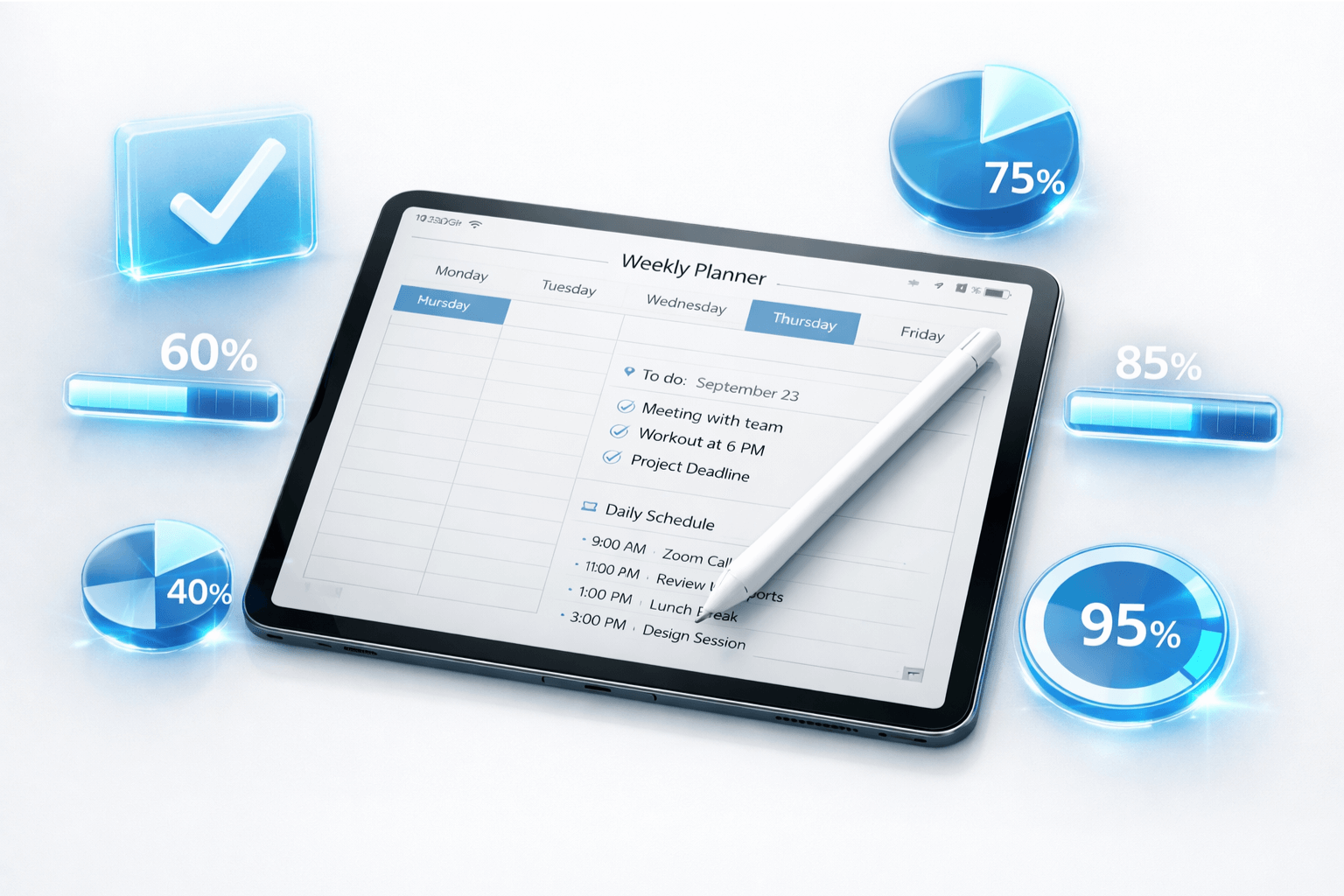
Mockups: Use Midjourney or place-it tools to create images of an iPad on a cozy desk displaying your planner
-
Before/After: Show a chaotic pile of receipts vs. your clean budget tracker. Sell the feeling of organization
The Bundle Upsell
Digital products have zero marginal cost. It costs you nothing to duplicate a file
-
Strategy: Don’t just sell a “Daily Planner.” Sell a “Mega Life Organizer Bundle” containing the Daily Planner, the Meal Prep list, and the Budget Sheet
-
This increases your Average Order Value (AOV) significantly
Conclusion: Passive Income in Practice
Unlike client work, this is true passive income. You build the spreadsheet once, and it can sell 10,000 times. The maintenance is zero
The key is to solve a specific pain point. Don’t make a “Planner” Make a “Wedding Seating Chart Organizer for Large Families” The more specific the problem, the easier the conversion. This mindset of “solving specific problems” is also the foundation of [building micro-SaaS tools with AI], where code replaces the spreadsheet
Continue Reading
 AI Side Hustles
Real Cost of Running an AI Business in 2026 (Monthly Breakdown)
- AI Side Hustles
How Much Do AI Prompt Engineers Make in 2026? (Real Salary Data)
- AI Side Hustles
AI Freelancer Income Report: $0 to $3,000/Month in 6 Months (Full Breakdown)
- AI Side Hustles
I Made $10,000 with AI in 90 Days: Here’s Exactly How (Real Numbers)
Written by
George - Founder, Scalopa
George has been building AI-powered income systems since 2023. He tests AI tools hands-on and tracks real income data from 100+ US solopreneurs. All guides on Scalopa are based on direct testing or verified community data.